
01
Found something good?
Use your iPhone’s share button to send the link straight to SeeYa.
YOUR LITTLE CORNER OF THE INTERNET
The recipe, the trip, that idea.
Keep your links in one place. Come back when
curiosity calls.
 A good read3 links
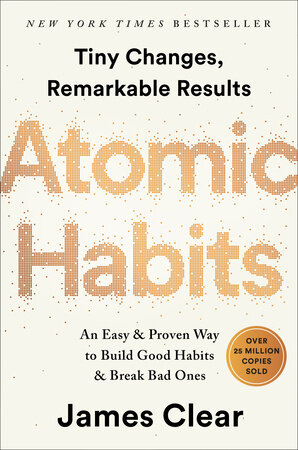
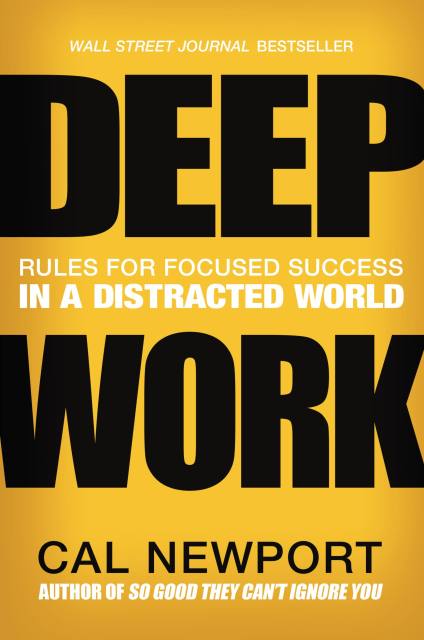
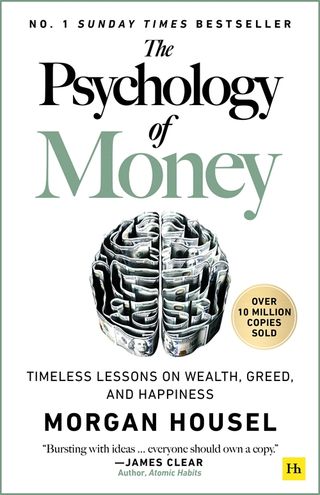
 Next stop: Paris3 links



 Recipes to try7 links
 Wishlist2 links
 Watch later11 links
That good read is waiting for you. 📚
A PEEK AT YOUR NEW LITTLE CORNER
That good readYour next tripA great recipe The big idea
01 / A PLACE FOR EVERY LINK
Ideas don’t arrive organized.
With SeeYa, pick a name, choose
an emoji and make them your own.
PRIVACY, FROM YOUR VERY FIRST LINK
Links, groups and notes stay on your device. Your collection is never sent to SeeYa servers. You save. You organize. You decide.
02 / FROM “SAVE THIS” TO “FOUND IT!”
No sending links to yourself.
No digging through fifteen chats.
Just you and what’s worth keeping.
Use your iPhone’s share button to send the link straight to SeeYa.
Pick a group that feels like you. Reading, work, recipes, whatever fits.
Search, open and mark as seen. Your next “glad I saved that” starts here.
We get it: life happens, links wait.
With Premium reminders, you choose
when to revisit what you saved.

How about bringing an idea to life?
Your “Project ideas” links are waiting. ✨You pick the days. SeeYa remembers.
03 / BEFORE YOU SAVE
Any link you want to find again: articles, videos, recipes, inspiration, products, places and more. Create groups, pick emojis and organize everything your way.
Your library of links, groups and notes is stored on your device. SeeYa does not receive or store this collection on its own servers. You can export a copy and choose where to keep it.
Start with the free plan: up to 3 groups and 10 links per group. SeeYa Premium removes those limits and unlocks reminders. Subscription details are available in the app.
On your iPhone, tap the share button in the app you’re using, choose SeeYa and select a group. You can also copy a link and paste it straight into SeeYa.
We’re getting ready to meet you there. For now, the App Store buttons open the store’s main page. We’ll add SeeYa’s own link as soon as the app is available.
LESS “WHERE’S THAT LINK?”. MORE DISCOVERIES.
What will you save first?
Coming soon to theApp StoreStart with 3 groups and up to 10 links per group, free. Project ideas